voice-lock — Call recordings only you can open
When a call ends, voice-lock encrypts the file made by Galaxy's built-in call recorder on the device with your own password, unlocks it again to confirm it matches the original byte for byte, and only then deletes the original. Only locked files go to the cloud, so the server cannot open your recordings.

Who is it for?
Lawyers and law firms
Keep client consultation call recordings so that only the lawyer's own password opens them. Use them across the office's devices, and export original recordings when you need them for use in court.
Guide for lawyers arrow_forward account_balancePoliticians, aides and campaign teams
Encrypt the office's or campaign's call recordings so that only people who know the password can play them, keeping them from leaking through a lost phone or a hack. A table sets out what it does and does not protect against.
Guide for aides arrow_forwardLocked automatically when a call ends
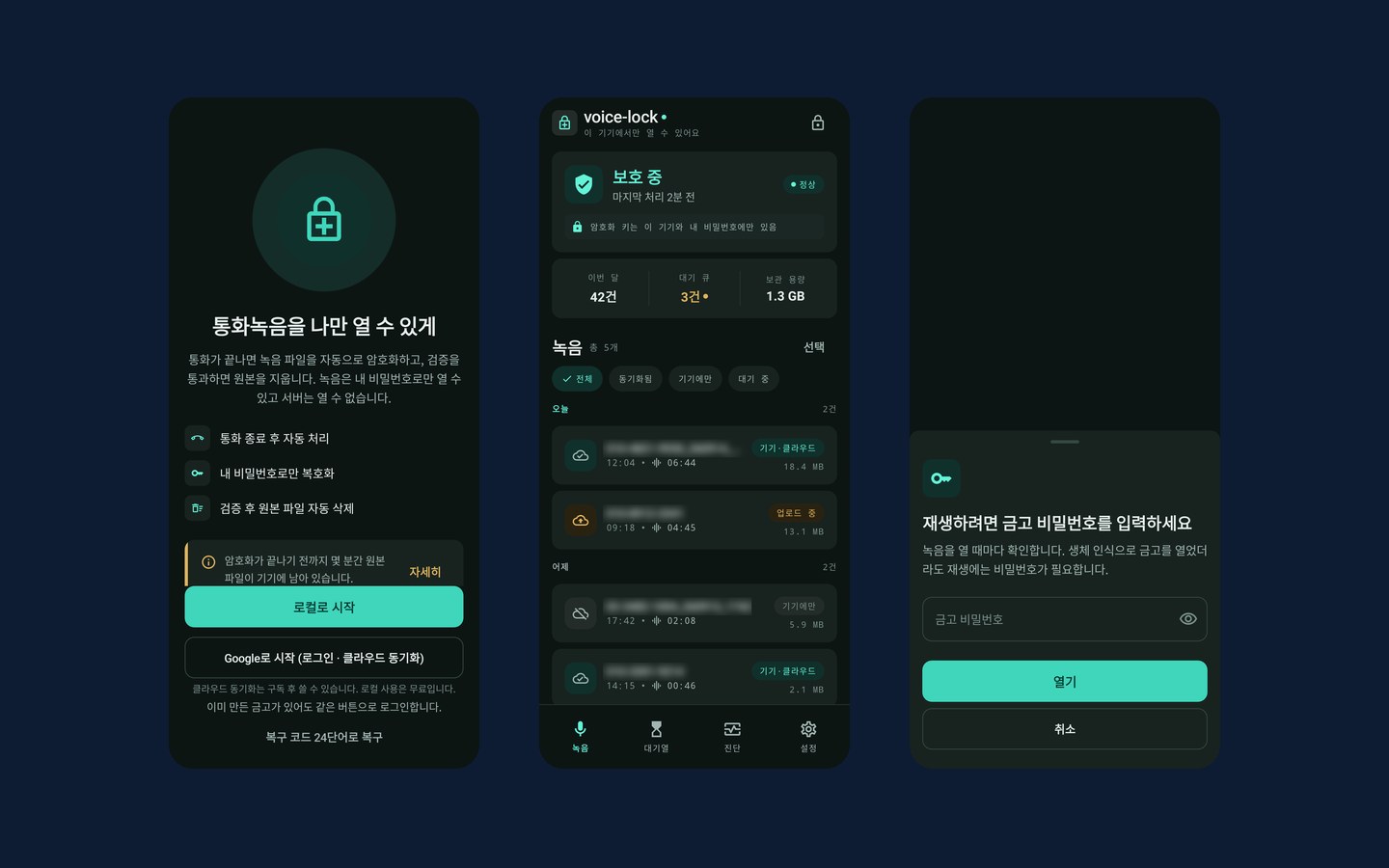
Call recordings pile up in phone storage without any lock. The file name contains the other party's number, and any app or person with access to storage can listen to them. voice-lock turns these files into something only you can open.
First you set a master password (12 characters or more) and write down a 24-word recovery code to use if you forget it. Screenshots of the recovery code screen are blocked, and nothing is uploaded to the server until you confirm the words you wrote down. Then you pick the call recording folder (Recordings › Call) once in the folder picker, and you are done. The app can read and delete only files inside the folder you picked.
After that there is nothing to do. When a call ends, the app finds the new recording and locks it, and it checks again periodically to pick up any files it missed. It recognizes 10 recording file formats, and you can also lock files you pick yourself. Local mode, used only on the device without logging in, is the default; to view recordings on several devices, turn on cloud sync with a Google account.
Originals are deleted only after checking
If a locking app deleted the original first and the locked file turned out to be damaged, that recording would be gone for good. So when voice-lock finishes locking, it unlocks the new file again and deletes the original only if it matches byte for byte. Even if an error or cancellation happens midway, the original is never deleted first, and this check cannot be turned off in settings.
For each folder you choose whether to keep the original / delete it after the check. The start screen also tells you up front that the original stays on the device for a few minutes until locking finishes.
The server cannot open your recordings
Recordings are locked on the phone so that only your password opens them, with a different key for each recording. Those keys are in turn locked so that only your password and recovery code can release them. Only these locked files go to the cloud, so even whoever runs the server cannot listen to your recordings.
Your password, recovery code, keys, phone numbers, exact call times and audio are never sent to the server. The only date information kept as is on the server is the recording date (year-month-day) used to sort the list. A Google account alone cannot open the vault.
The names and times shown in the list are locked separately too, and you can choose how much goes into the title in four steps (name only → everything). The less you include, the less is visible on a locked device.
Playback always takes the password
You can open the vault with a fingerprint, but a fingerprint only opens the list. Playing a recording or exporting it as an original asks for the vault password again every time — even if you just opened it, even after biometric authentication.
Audio being played is never written to a file on the phone, even temporarily. The only time the app saves a locked recording as an unlocked file is when you choose a location yourself and use Export as original; even then, each export asks for confirmation and first warns you that the exported file is not locked.
Free and subscription
Start free on this device only, and choose a monthly subscription (Google Play recurring billing) when you need the cloud and several devices. Prices are shown on the Google Play purchase screen. There are no ads and no usage analytics tools.
| Plan | Free | Standard | Premium |
|---|---|---|---|
| Encrypted recordings on this device | 50 | Unlimited | Unlimited |
| Cloud storage | — | 10 GB | 100 GB |
| Linked devices | This device only | 2 | 5 |
| Export as original | — | One at a time | Several at once (up to 100) |
| Cloud copies kept after cancelling | — | 60 days | 180 days |
When the free limit (50) is reached, new recordings are left unlocked in the folder and the app tells you so — it never skips them silently. When a subscription ends, cloud uploads stop immediately, and cloud copies are deleted once the retention period has passed. Recordings on the device stay as they are.
Key features
Screen gallery
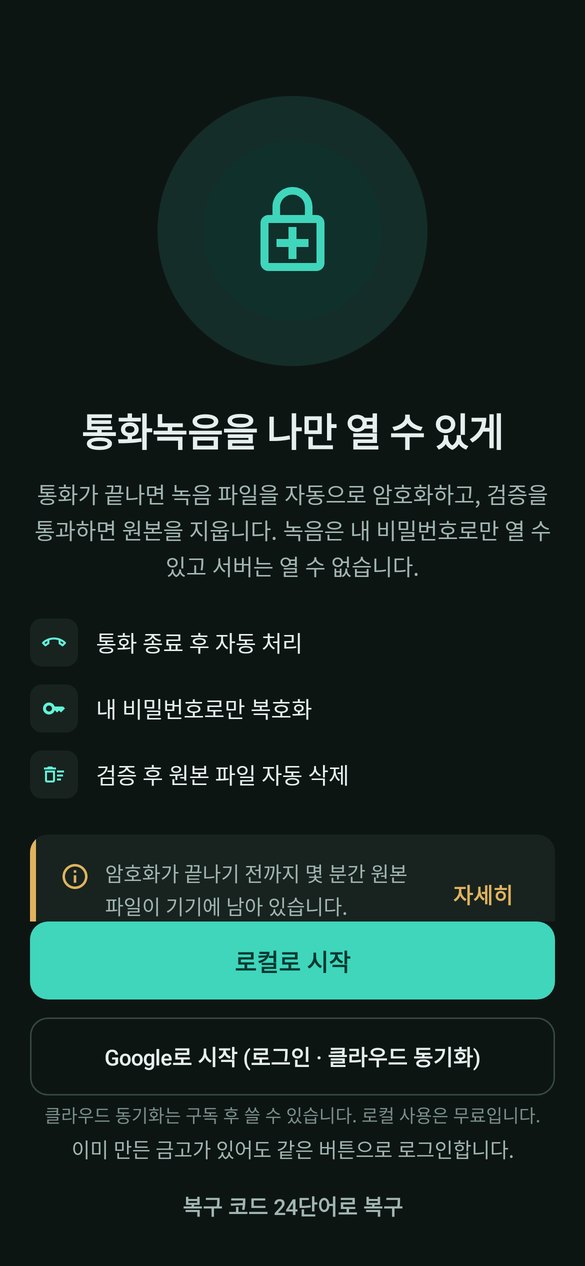
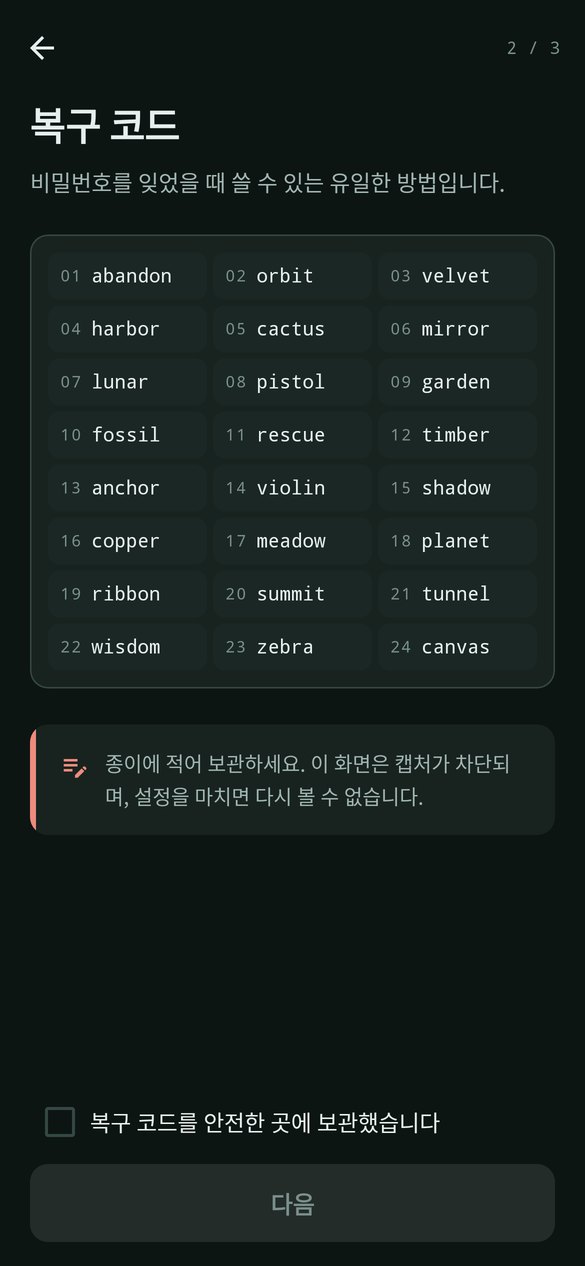
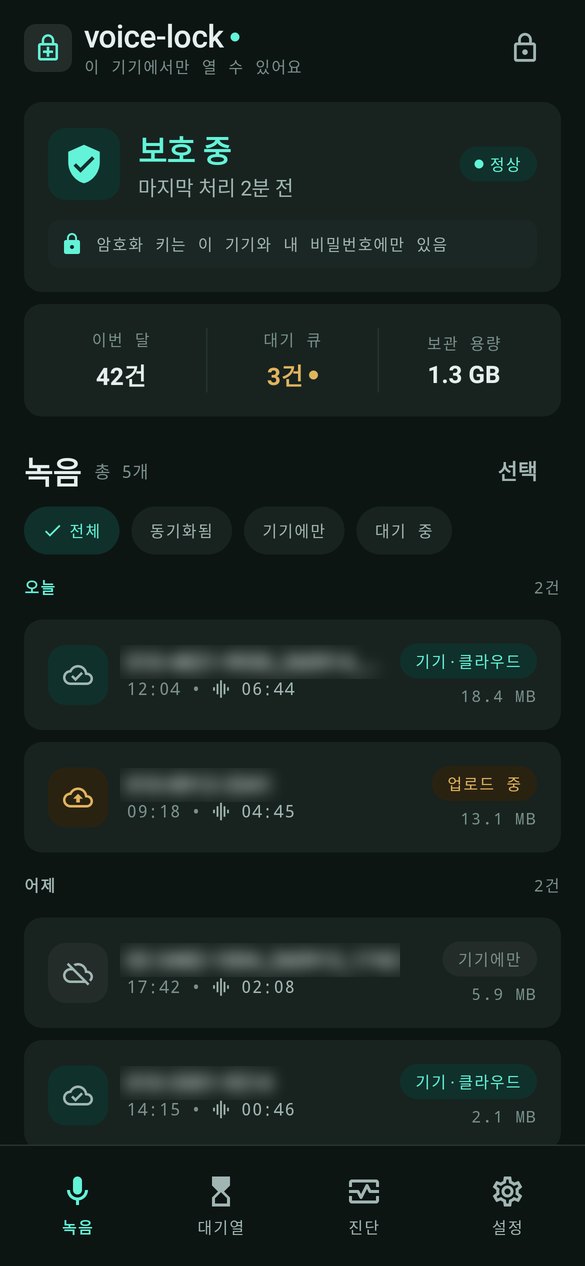
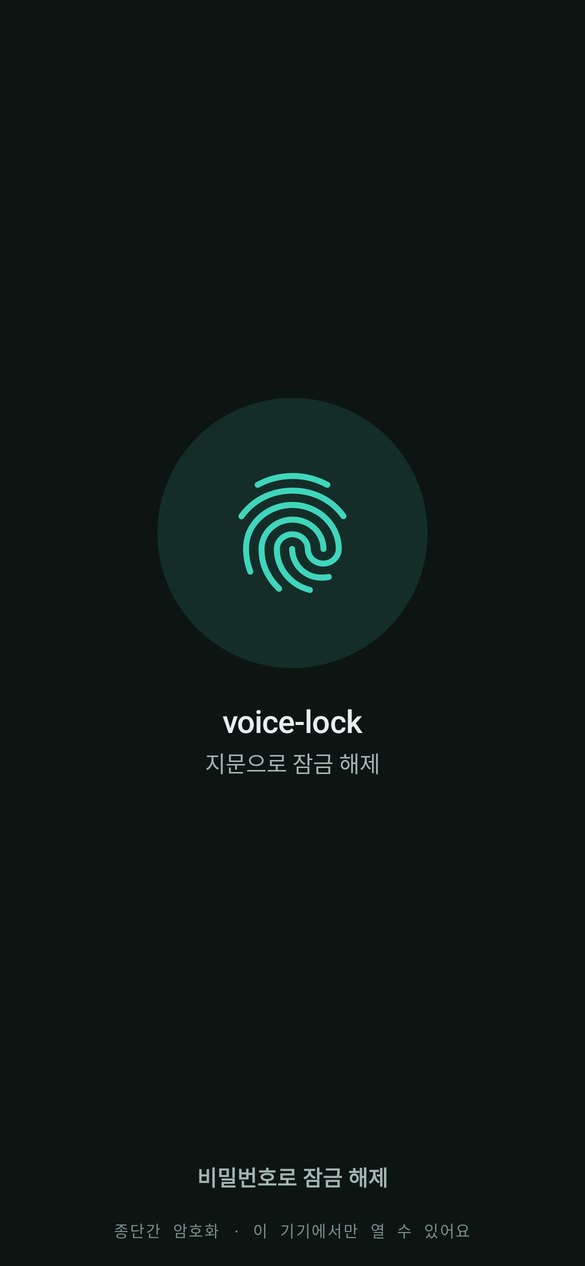

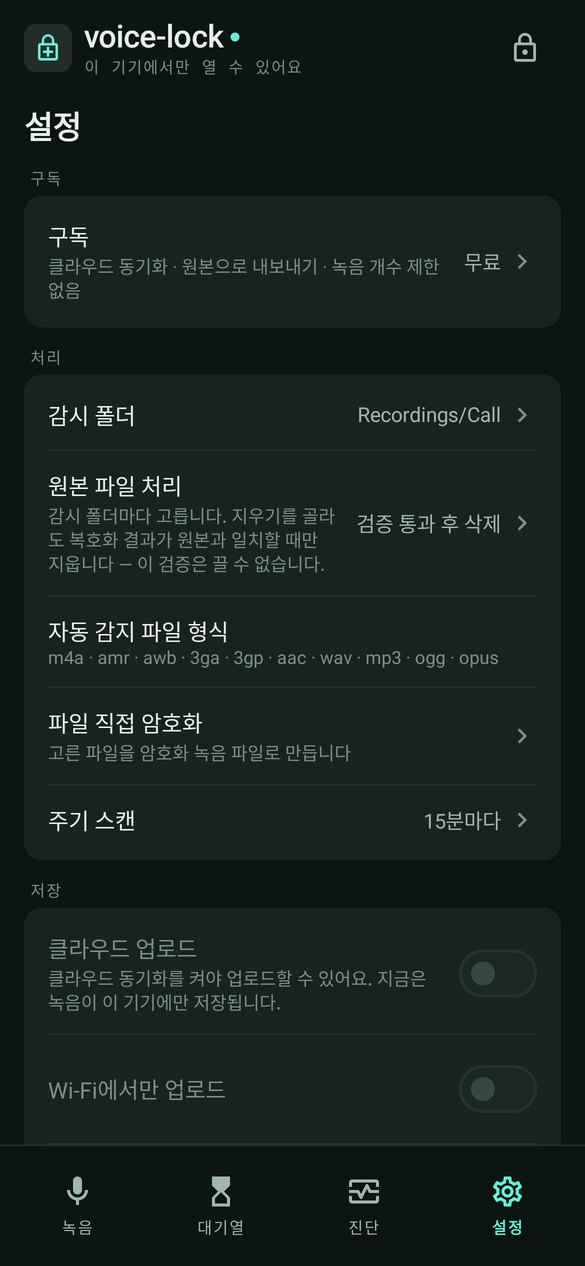
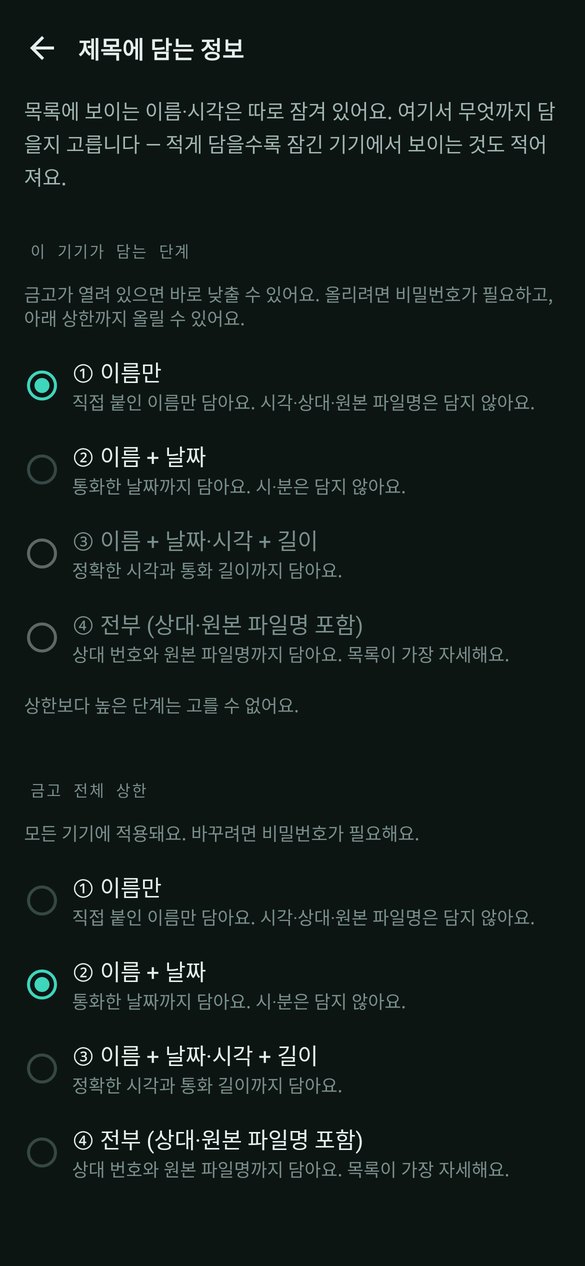
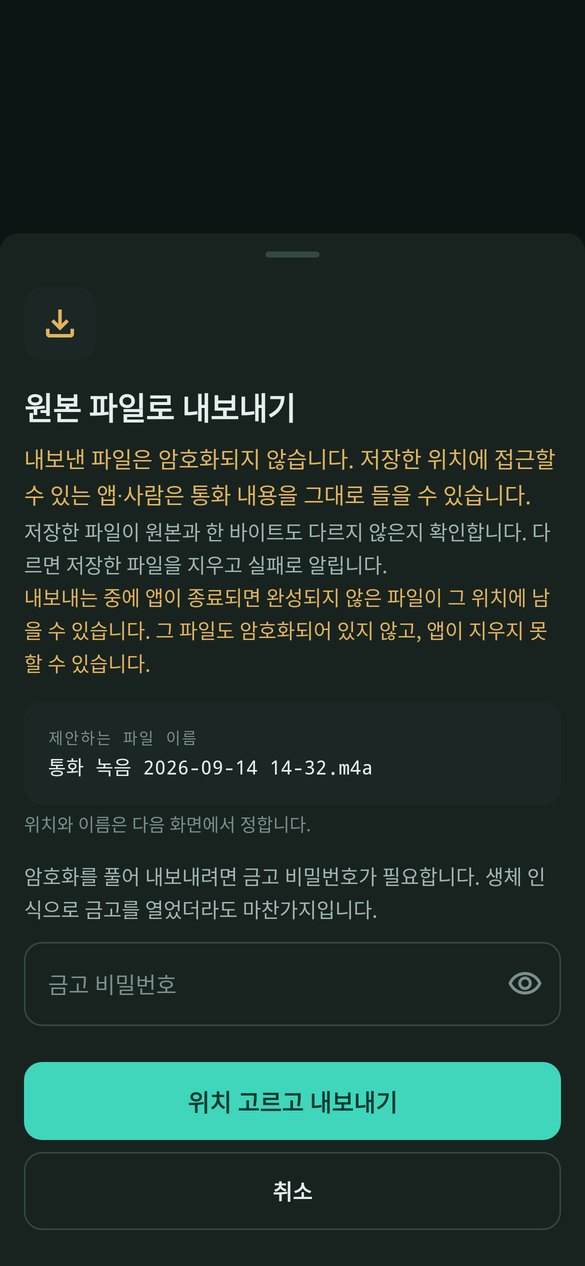
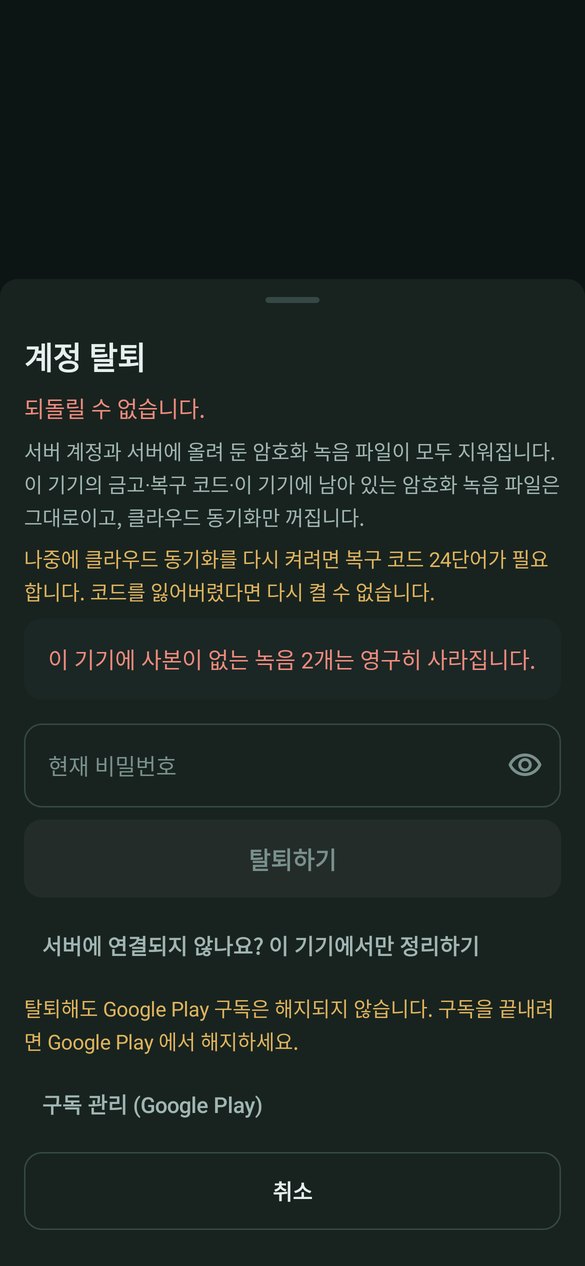
These are real app screens filled with sample data. Values in the sample data that look like phone numbers are masked.
Terms and policies
voice-lock handles sensitive information — call recordings — so what the server does and does not receive is set out clearly in writing.