
VHDB — Ask your past sessions
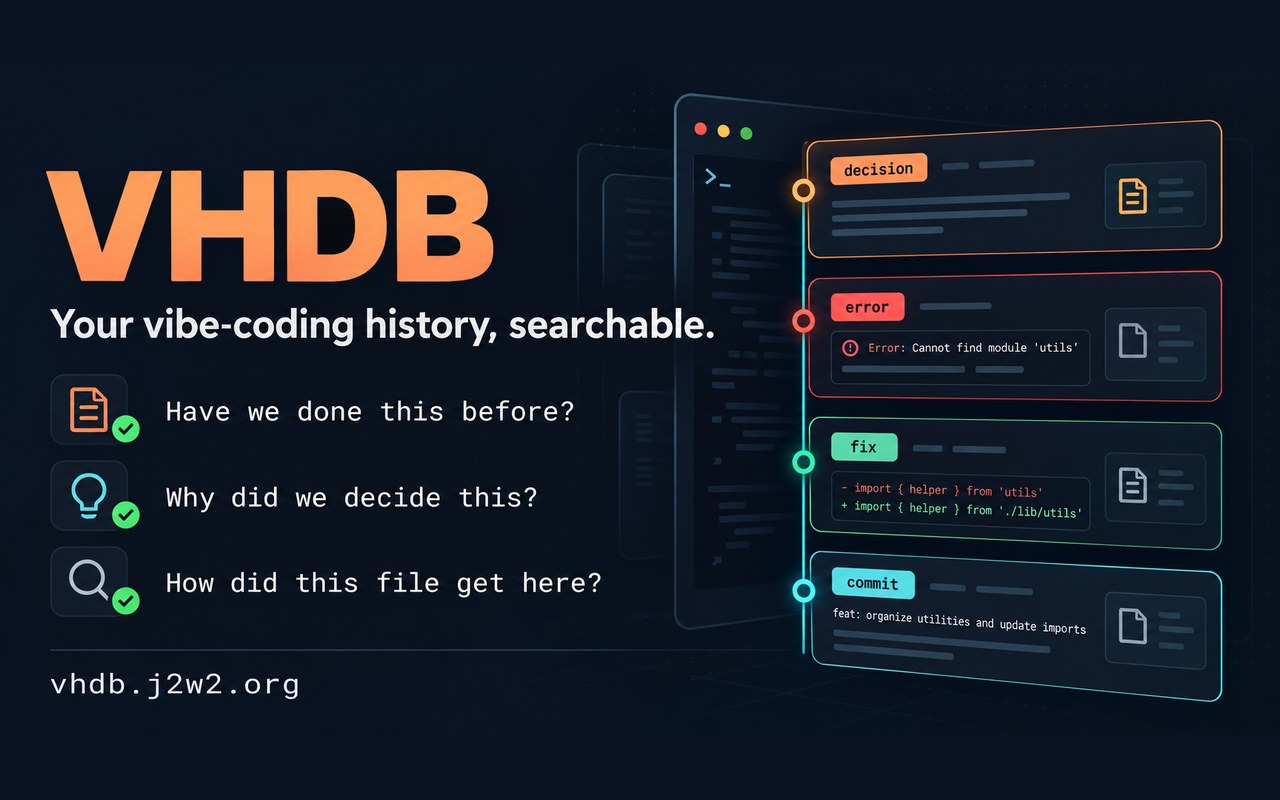
'Have we done this before?', 'Why did we decide this?', 'How did this file get here?' VHDB stores the conversations, decisions, errors, fixes, edits and commits from your vibe-coding sessions, and lets both you and Claude search them. It is a history database with a Claude Code plugin.
The same questions keep coming back
The longer you vibe-code, the more the same questions return. The answer is somewhere in an old conversation, but once the session ends it is hard to find. VHDB (Vibe History Database) stores the conversations, decisions, errors, fixes, edits and commits from your sessions and searches them when you need them. The history it reads is either SmartWorkbench's decision ledger (read only) or the records the plugin keeps in its own log.
Ask your past sessions
Search right inside Claude Code with slash commands.
/vhdb:search "refresh race" kind:error,decision/vhdb:search file:src/auth.js kind:decision/vhdb:history src/auth.js
Have we done this before? It finds past attempts and errors, and the fix that closed them. Why did we decide this? It shows a decision with its reason and the earlier decision it replaced. How did this file get here? It shows every request that touched the file as a newest-first timeline.
Queries take words, phrases, and file, commit, session, kind and time filters. Korean is searched by syllable, and code also by camelCase, snake_case and path pieces; decisions and errors rank higher, and newer records get extra weight.
Claude looks things up before it works
The plugin also gives Claude tools it calls itself. query_history and file_history look up the history before work to avoid repeating a mistake or reversing a decision, and record_decision records the choice and its reason when one option is picked among several. If an earlier decision is overturned, that decision is marked as superseded.
The three switches are all off by default; /vhdb:on turns on recording and context injection, and the guard is turned on separately with /vhdb:on guard. Record keeps test, build and lint results and failures, and closes an open error when the same check later passes. Inject adds valid decisions and unresolved errors, within a fixed size, when you send a prompt and when an error you have already seen comes back, with a note that they are past records and not instructions. Guard pauses the first edit to a file under a valid decision once and shows that decision; if it fails or times out, it does not block the edit.
On your computer, with secrets masked
The plugin has no network code, and all data stays in your own computer's repository. Secrets such as tokens, API keys and credentials inside URLs are masked before they are stored, and search results never include the body of a tool's output.
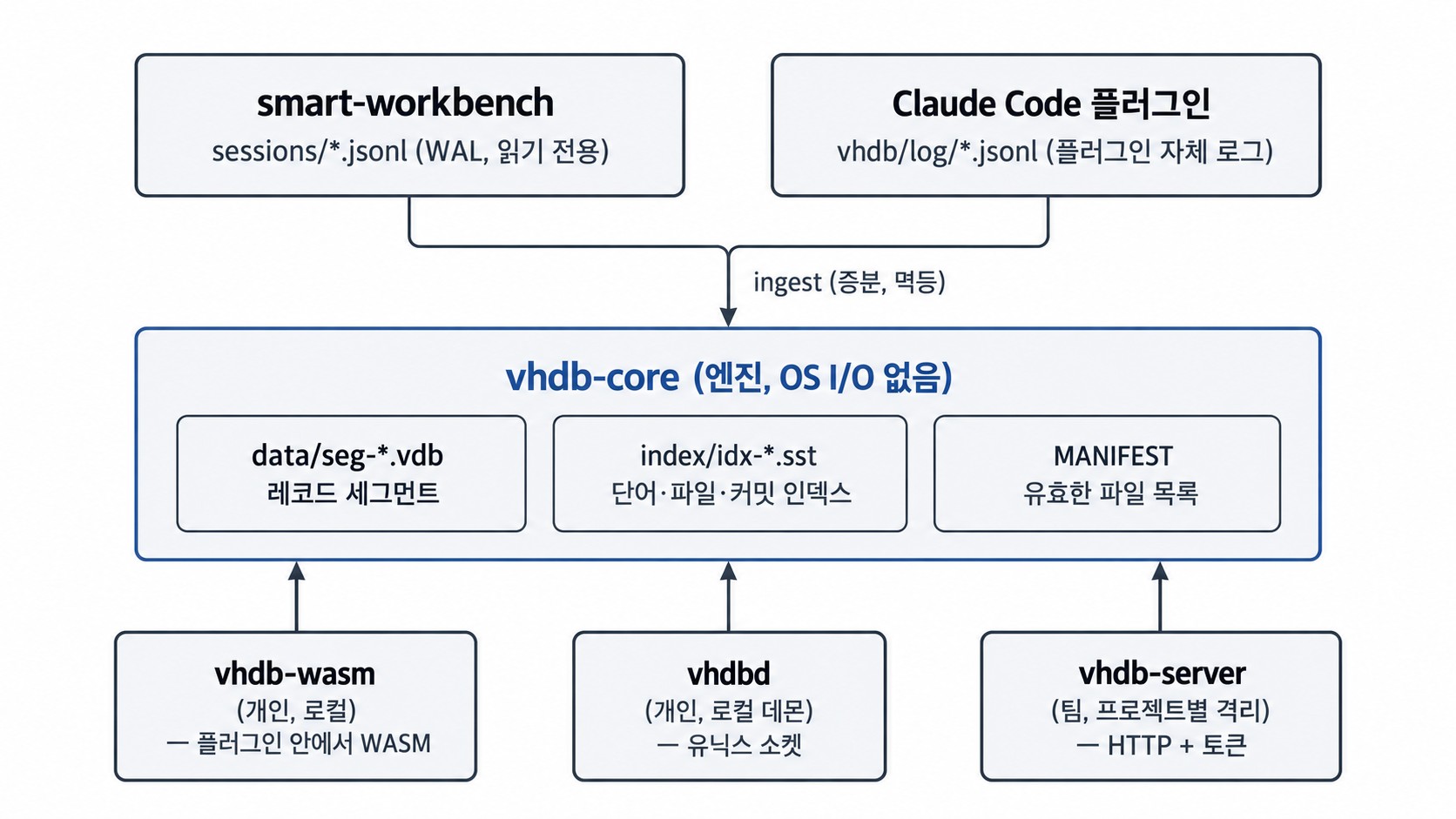
The database engine was written from scratch in Rust and needs no external database. The session log itself is the source of truth, and if anything stops at any moment, it comes back to the same result from the same log. The same engine runs in three places: inside the Claude Code plugin (local), as a personal daemon, and as a team server.
To be honest
For now the plugin uses only the local engine. Connecting to a team server and uploading remotely are not built yet. There is no search across projects, semantic search is optional and only a simple method exists for now. Because it is a log, individual history entries cannot be deleted, and times are shown in UTC. This is the first release (0.1.0).
Getting started
You need Node.js 24 or later and a git repository. After you download the plugin repository, start Claude Code like this.
claude --plugin-dir ~/vhdb-plugin
Then search with /vhdb:search token refresh kind:decision since:30d and turn on recording and context injection with /vhdb:on (guard separately with /vhdb:on guard). The history it reads can be the ledger SmartWorkbench builds with /swb ledger on, or the records this plugin keeps after /vhdb:on record. The team server is installed from the installers (.deb, .rpm, tar.gz) on the releases page.
Overview
Main features
Links and usage
Commands, tools, settings and file locations are in the plugin repository's README, and the server installers are on the releases page.